A look at the current development build. Store versions may differ.
↗ Your tags. A little more possibility.
01 / PLATFORMS iOS & Android
02 / BUILT WITH React Native
03 / LICENSE MIT open source
04 / APP LANGUAGES English · 繁體中文 · 日本語
FROM THE FIRST TAP TO THE NEXT PROTOTYPE
Get closer to what your tags can do.
Start with everyday reading and writing. Go deeper when your project needs it.
01
Read, write, and reuse.
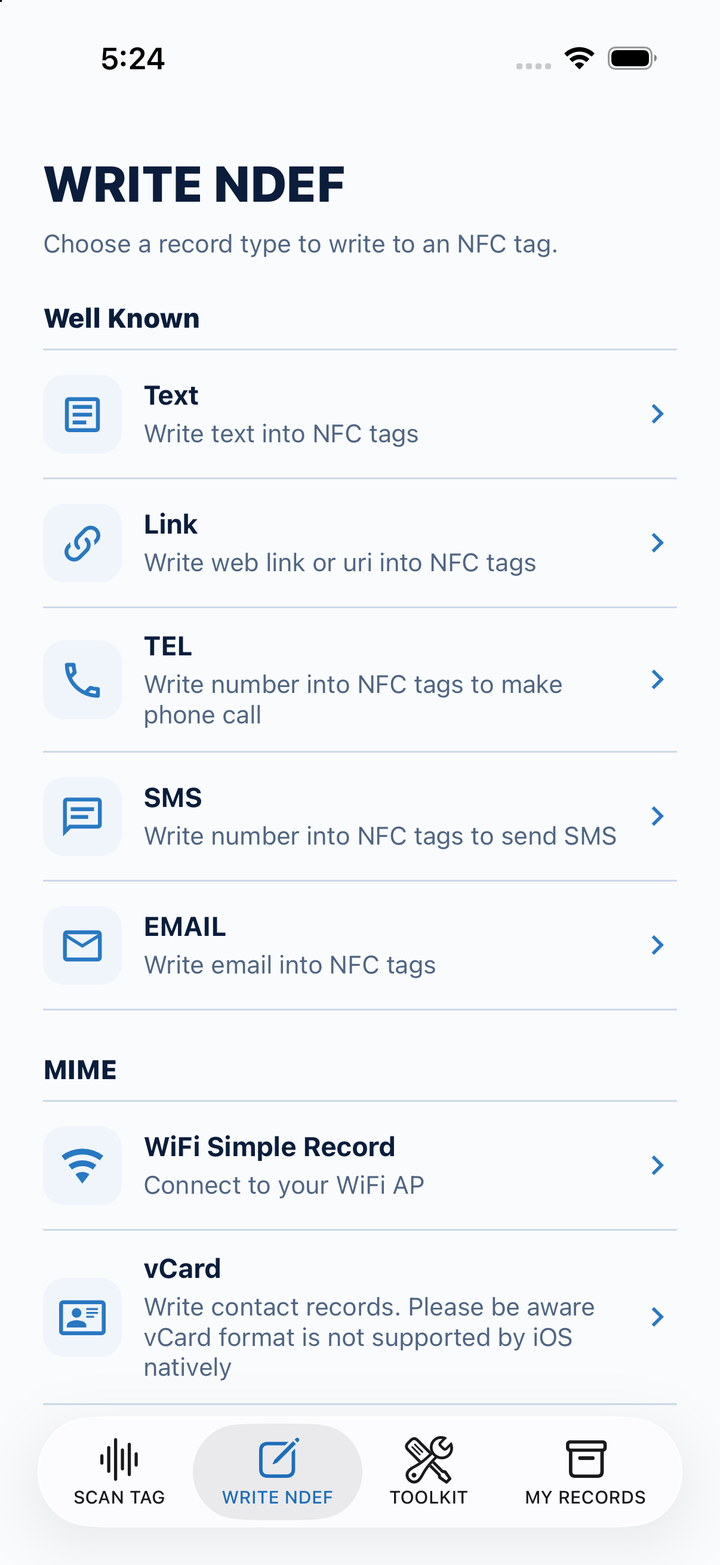
Inspect tag identity, technologies, and NDEF data. Write text, links, phone and email shortcuts, Wi-Fi records, and vCards. Save records to open, copy, and share later.
How a record is opened depends on the receiving device. iOS does not natively open NFC vCard records.
02
Let the response shape the flow.
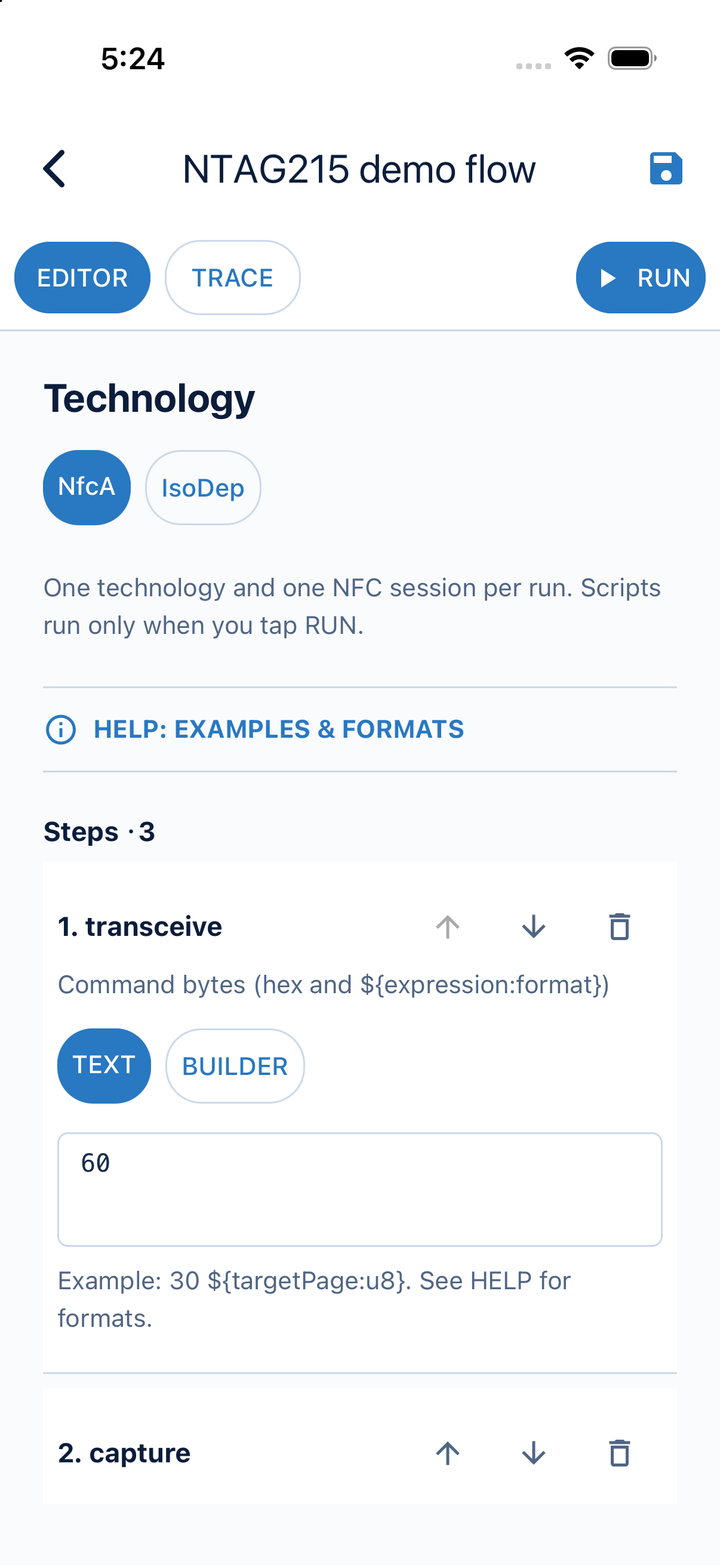
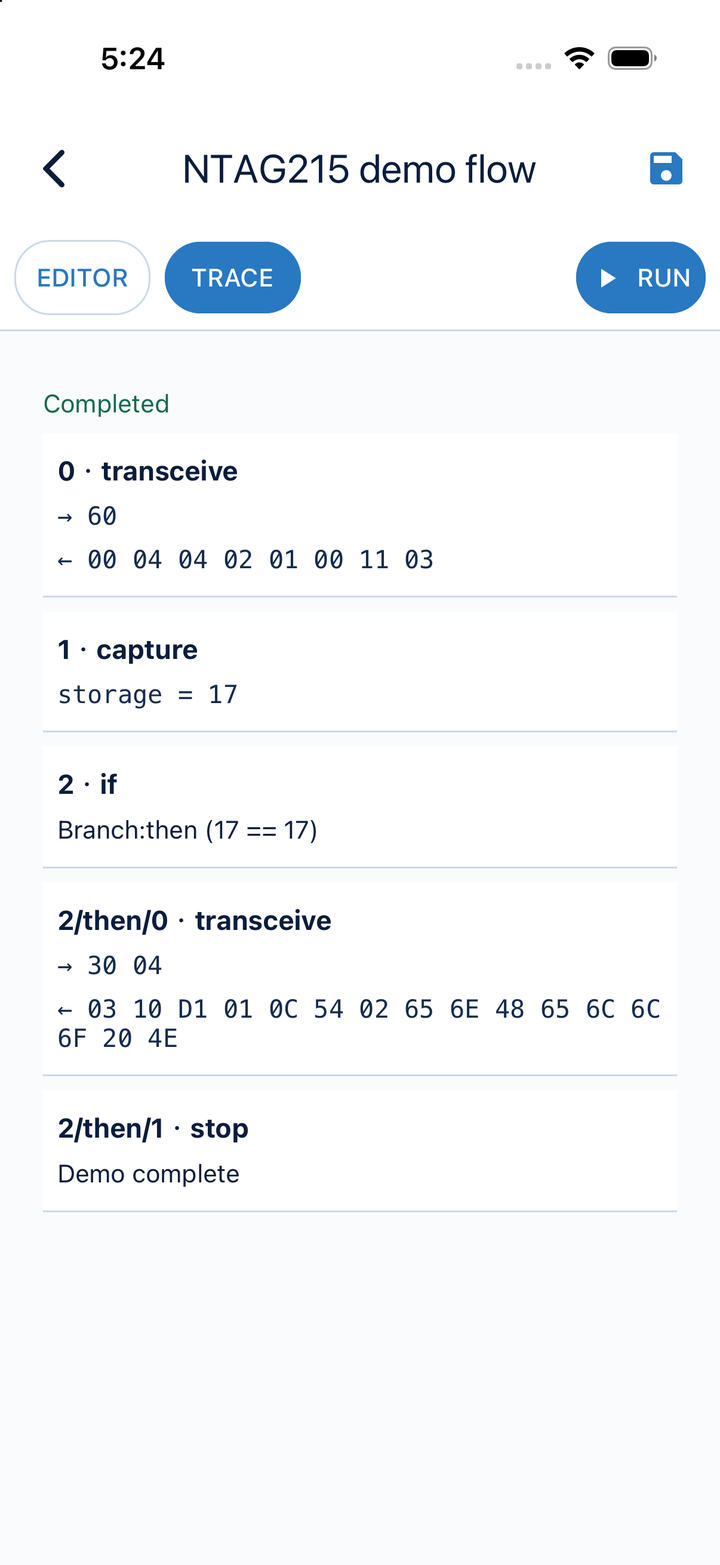
Build NFC-A or ISO-DEP command flows with response capture, variables, conditions, delays, and bounded repeats. Inspect commands, responses, and decisions in the execution trace.
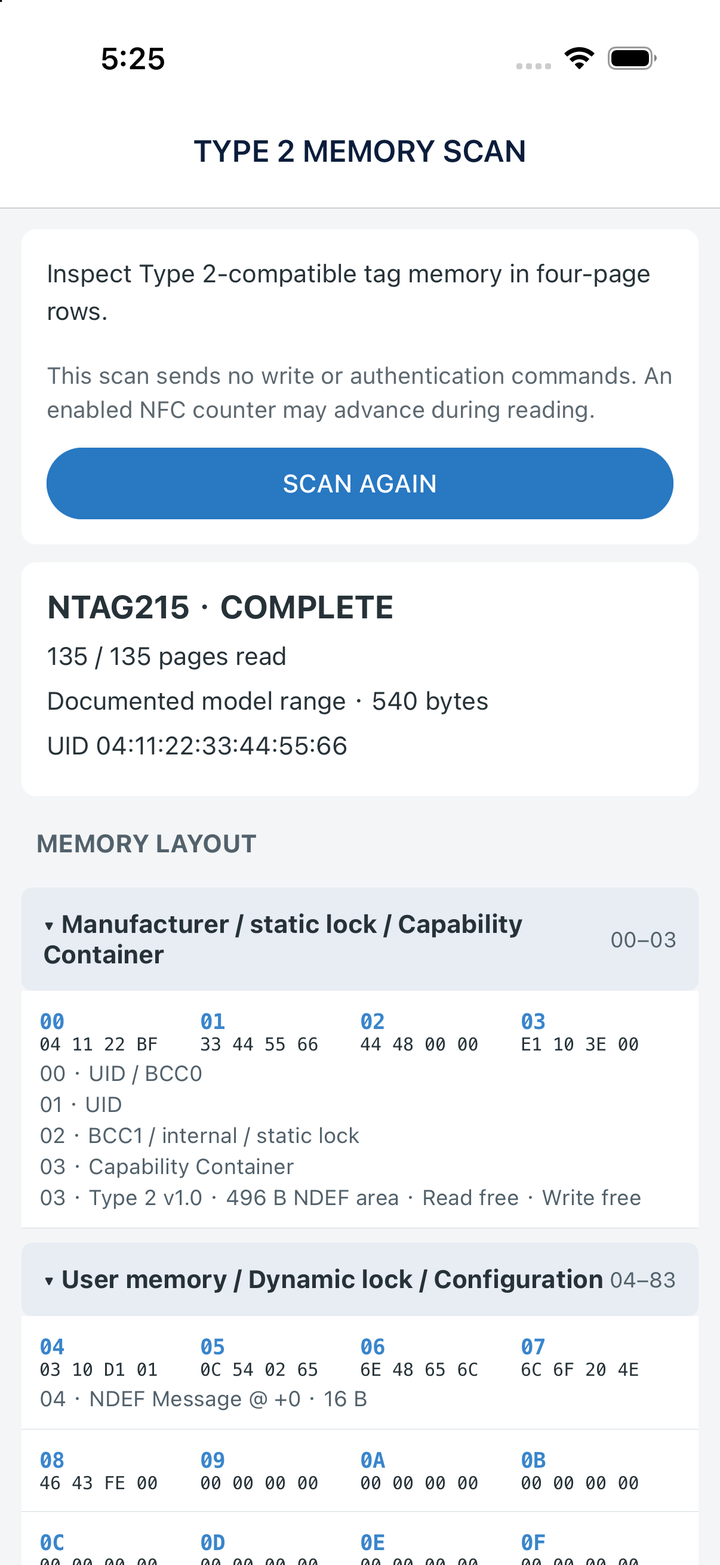
Inspect readable Type 2 memory pages with raw bytes and annotations. See model-specific layouts for NTAG213, NTAG215, and NTAG216, and bounded data-area scans for other compatible tags.
Results depend on the tag and access conditions. A generic scan is not a full physical-memory dump.
A WORKBENCH THAT GOES WITH YOU
One response. New possibilities.
A command can tell you what to do next. Capture part of its response, use it in a later command, or choose a branch based on the value.
01
Send a command
Talk to your tag using NFC-A or ISO-DEP.
02
Use what comes back
Capture response bytes as variables and choose the next step.
03
See how it ran
Review the commands, responses, and branch decisions.
Six views of the development build. Open any screenshot for a closer look.
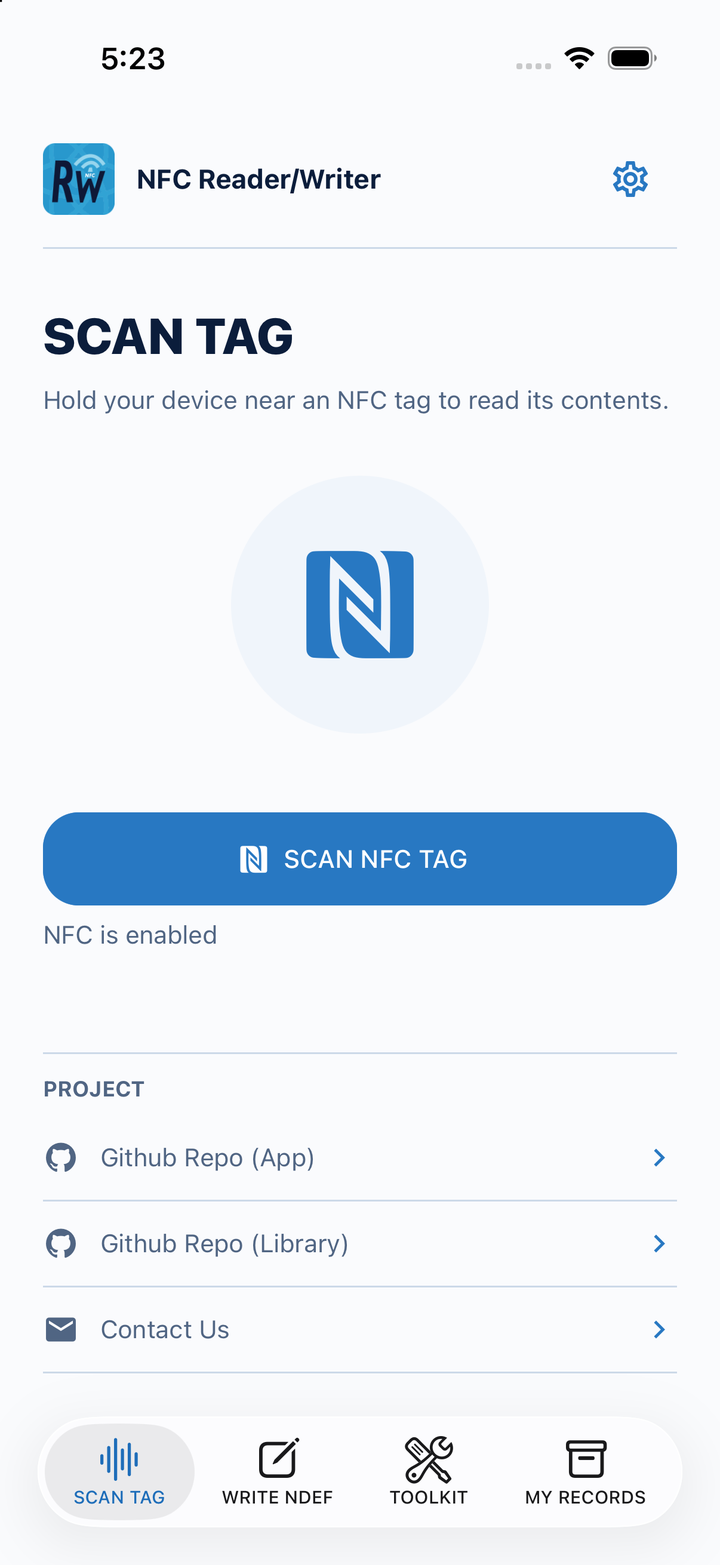
01 / SCANA place to start.
Read tag information and NDEF records.
02 / WRITEGive a tag something to say.
Choose the record that fits your idea.
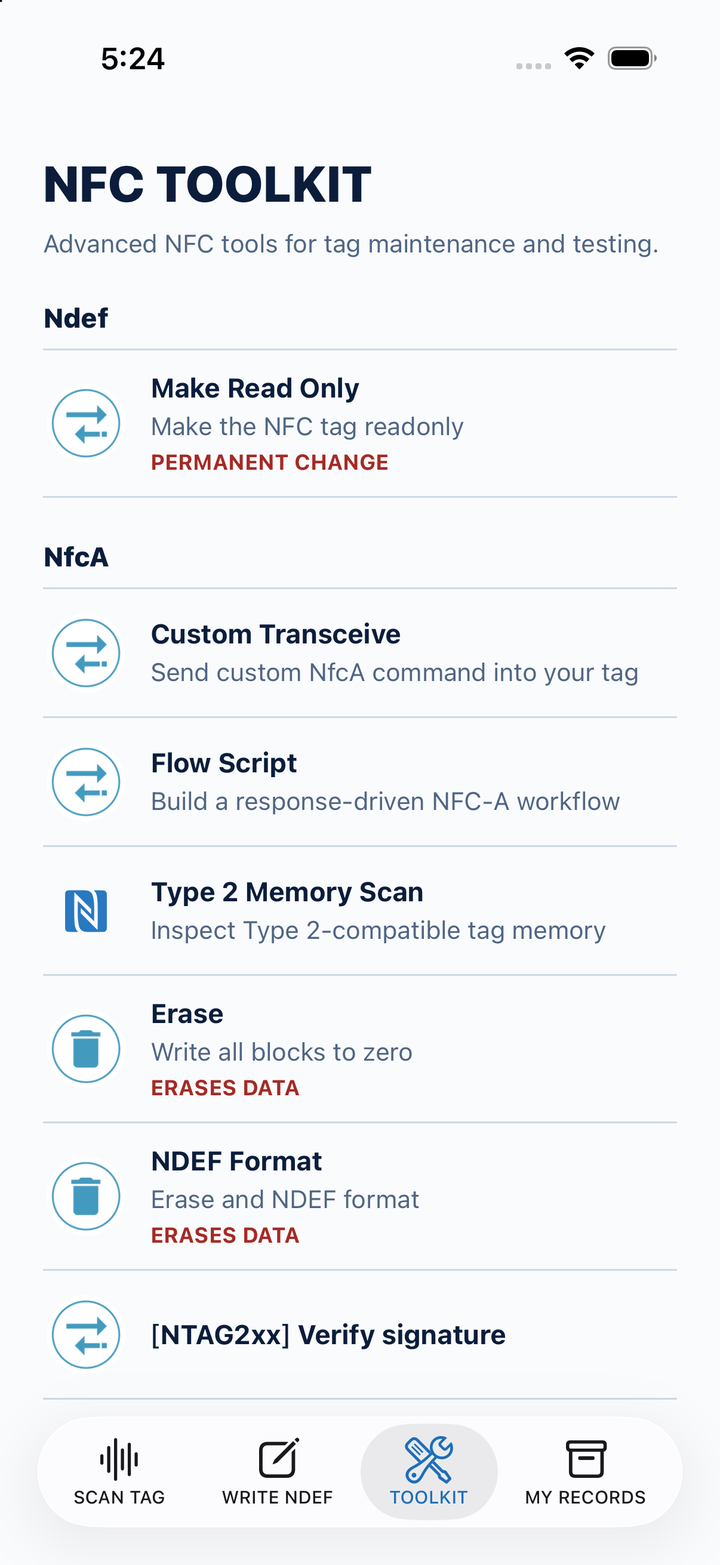
03 / TOOLKITGo a little deeper.
Reach commands, flows, and memory tools.
04 / FLOW EDITORBuild the next step.
Compose a response-driven NFC workflow.
05 / EXECUTION TRACEFollow the conversation.
Inspect what was sent and what came back.
06 / TYPE 2 MEMORYSee the bytes behind it.
Inspect page data alongside its interpretation.
Screenshots show the app’s interface in the selected language, using demo tag data in an iOS simulator. They illustrate the development build, not a new hardware test. Store versions may differ.
OPEN BY DESIGN
Use the app. Make it your own.
The workbench is also a starting point. Read the React Native source, adapt it to your workflow, or use it to explore NFC integration in your own app.
Email nfctogo@gmail.com. Tell us your target platform, tag or hardware, and what you want to build.
A few things to know
Which devices and tags can I use?
You need an NFC-capable iPhone or Android device and a compatible tag. Available technologies and operations depend on the device, operating system, and tag.
What does the memory scan read?
Recognized NTAG213, NTAG215, and NTAG216 tags use model-specific page ranges. Other compatible Type 2 tags use a bounded scan of the data area declared by their Capability Container. Unreadable pages remain marked unavailable; an incomplete scan does not establish why access failed. The scan sends identification and read commands only, although tag-side read counters may advance.
Are these features in the store version?
This page showcases the current source and development build. Screenshots and newer features, including Flow Script, Type 2 Memory Scan, and the three-language interface, may differ from the app currently available in the stores. Check the store release notes or build from source for the corresponding version.